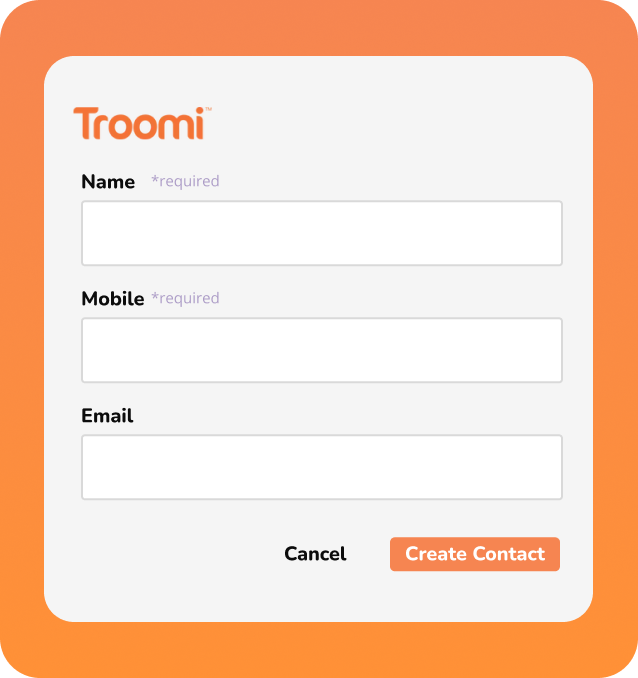
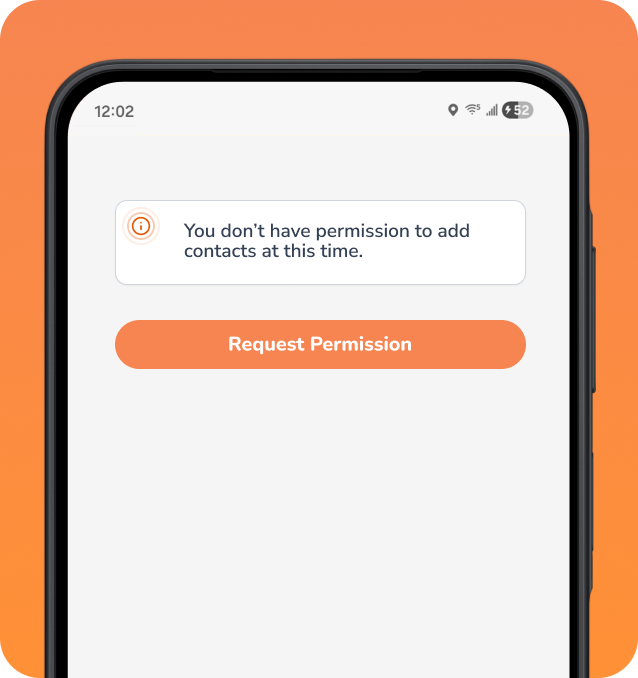
Safelisting gives parents the ability to manage who kids can connect with on their Troomi phone. Through the Parent Portal, families can add friends and loved ones at any time and choose exactly how they stay in touch, whether through talk, text or email. Once children are old enough to manage their own contacts, parents can still monitor contacts through the portal to ensure the child’s safety and encourage smart choices.
How It Works
Parent-approved contacts
Children can communicate with the people approved by their parents, helping families limit contact with strangers, spam callers, and unapproved peers while keeping trusted contacts accessible.
Custom contact channels
Individual contacts can be limited to communication by talk, text, email, or a combination of the three. These preferences can be set for each device for families with multiple children.
Flexible as kids grow
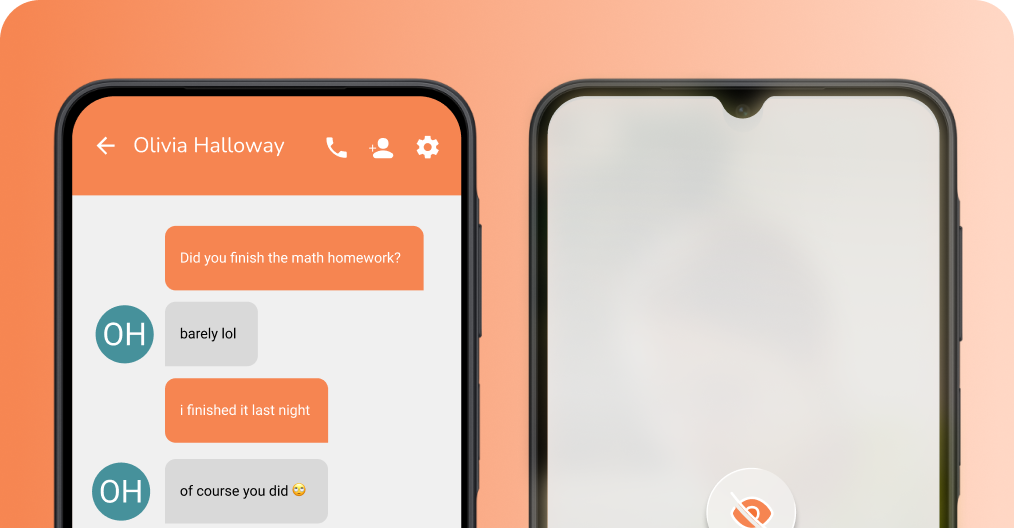
Kids ready for more responsibility can be put in charge of managing their own contacts. Parents are able to monitor the list remotely in the Parent Portal and know at any time who's communicating with their child.
Part of Troomi's safe phone experience
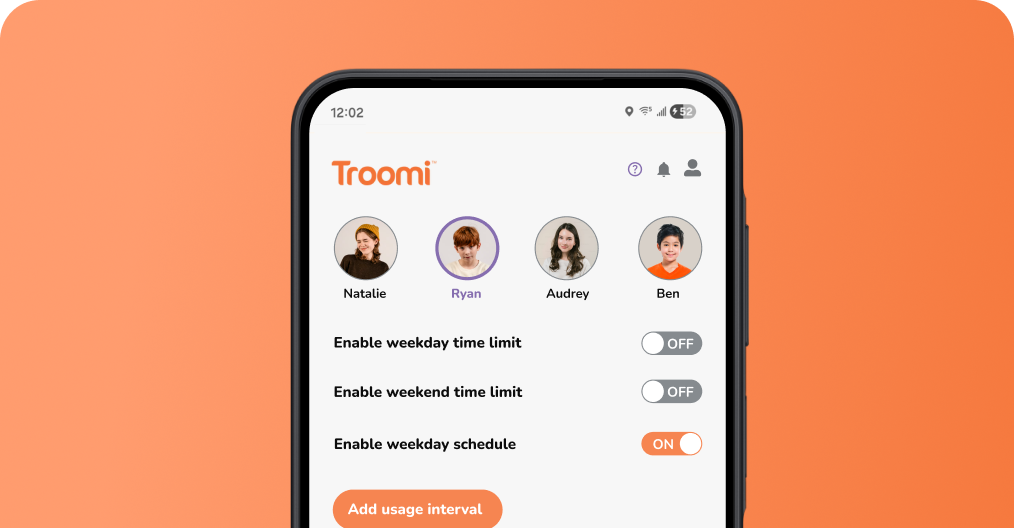
Safelisting works alongside tools like Content Filtering and Screen Time Limits to give kids the freedom to enjoy their phone while staying safe and learning good habits.
What Parents Are Saying
” I can control who is in their contact list and they can only receive calls and texts from known contacts if I want to do that.
This is what I’ve been looking for as an option for my kids for years. So, so, so glad I found it!!”
Brittney N.
Real Troomi Mom
Frequently Asked Questions
Can I use Safelisting on multiple devices?
Yes. If you have multiple Troomi phones on your account, you can manage approved contacts for each child’s device separately through the Troomi Parent Portal. This gives you the flexibility to customize who each child can call and text based on their individual needs.
Can my child add new contacts?
Your child can request a new contact, but you stay in control. Contact requests are sent to you for approval, so you can decide who is added to your child’s approved contact list.
What happens if someone who isn’t approved tries to call or text?
When Safelisting is enabled, calls and texts from unapproved contacts are blocked. Your child can communicate with the people you’ve approved, helping reduce unwanted calls, spam, and unfamiliar messages.
Can I change Safelisting settings anytime?
Yes. You can adjust Safelisting settings as your child grows and their needs change. Add trusted family members, friends, coaches, or other contacts at any time through the Troomi Parent Portal, and when your child is ready to manage their own contacts you can still monitor the list to be sure they’re making smart choices.
Can I block or approve contacts at any time?
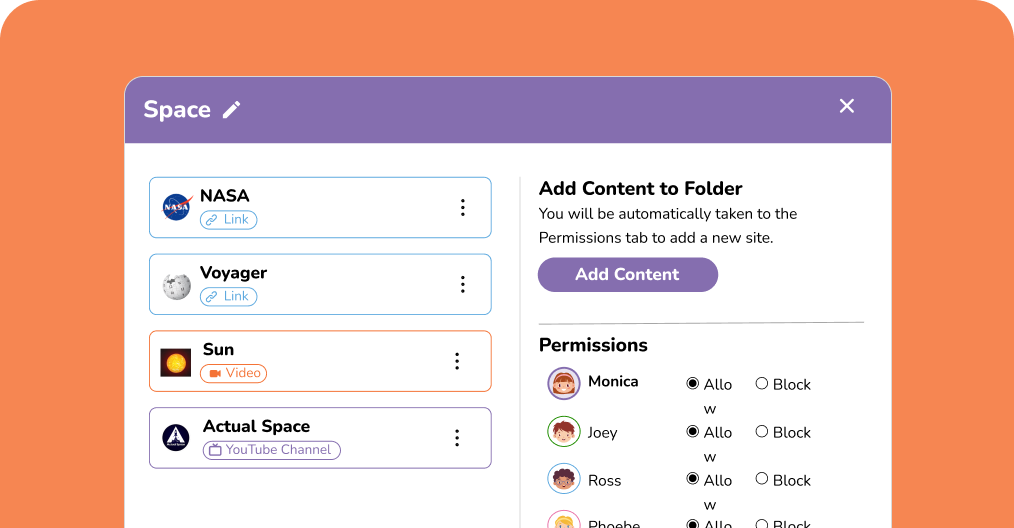
Yes. You can approve or block contacts through the Troomi Parent Portal at any time. Add trusted friends and family yourself, or review contact requests from your child and decide whether or not they get added to the list.
Can I add emergency contacts to my child's contact list?
Yes. Emergency contacts can be added through the Parent Portal. These contacts bypass standard phone lockdown to ensure kids can always get help when they need it.