
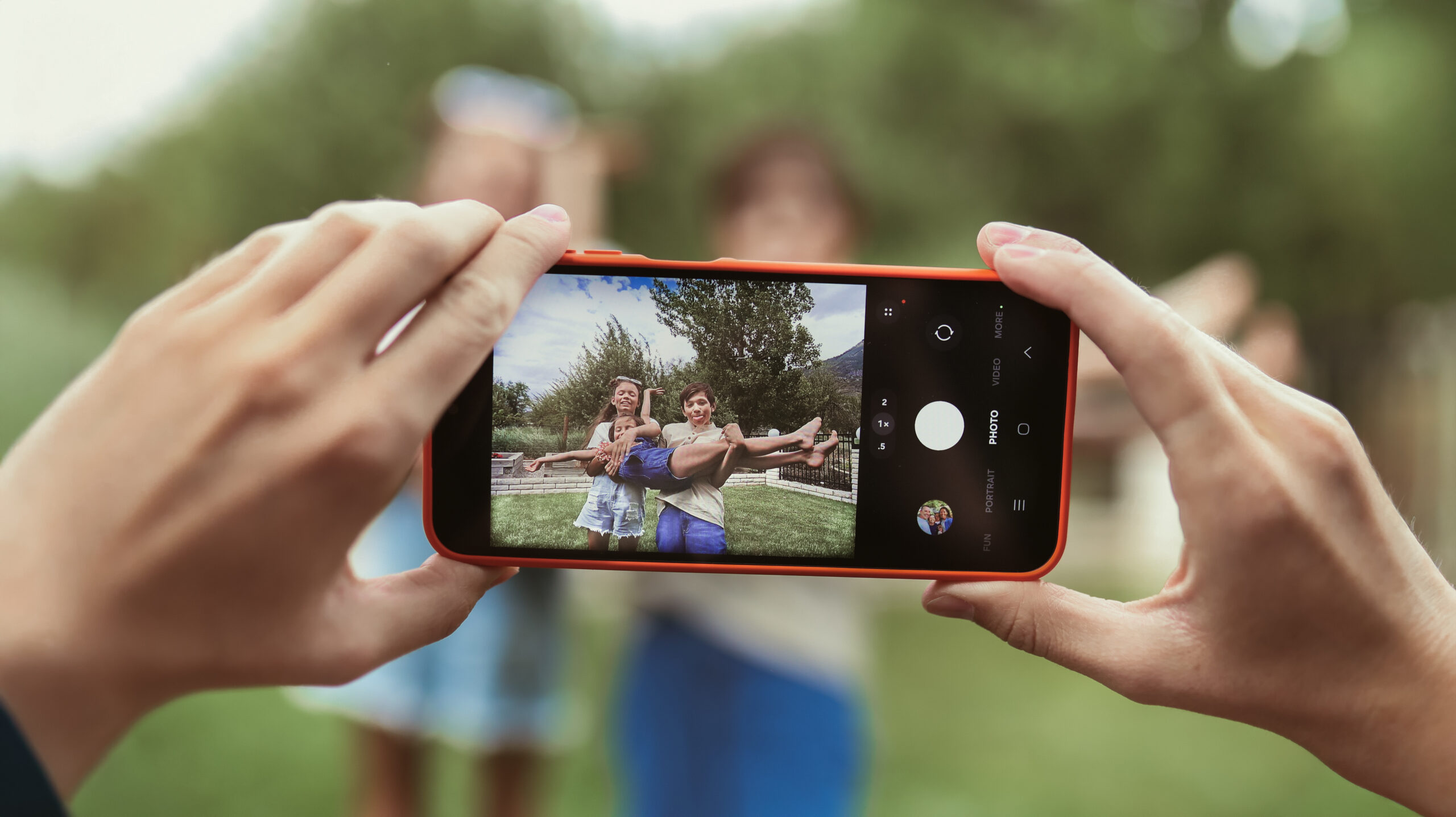
A phone can be for more than just consuming content—it can be a powerful tool for creativity.
Smartphones are great for capturing memories we can scroll through in our camera rolls all year long. And one of the most fun features on a kid safe phone is usually the camera. We’ve all seen the selfies and silly videos, but a smartphone camera can also be a great tool for honing their creativity. Here’s our best tips for taking photos with a Troomi kids phone, like our Samsung Galaxy A17 5G:
Photo Tips on Your Kids Phone
Tap First, Snap Second
Before taking a photo, tap the person, pet, or object you want to focus on. Your phone will help make it look sharp and clear!
Turn on Grid Lines
Want your photos to look instantly better? Turn on Grid Lines in your camera settings and place your subject where the lines cross instead of directly in the center. This simple trick helps create better composed photos.
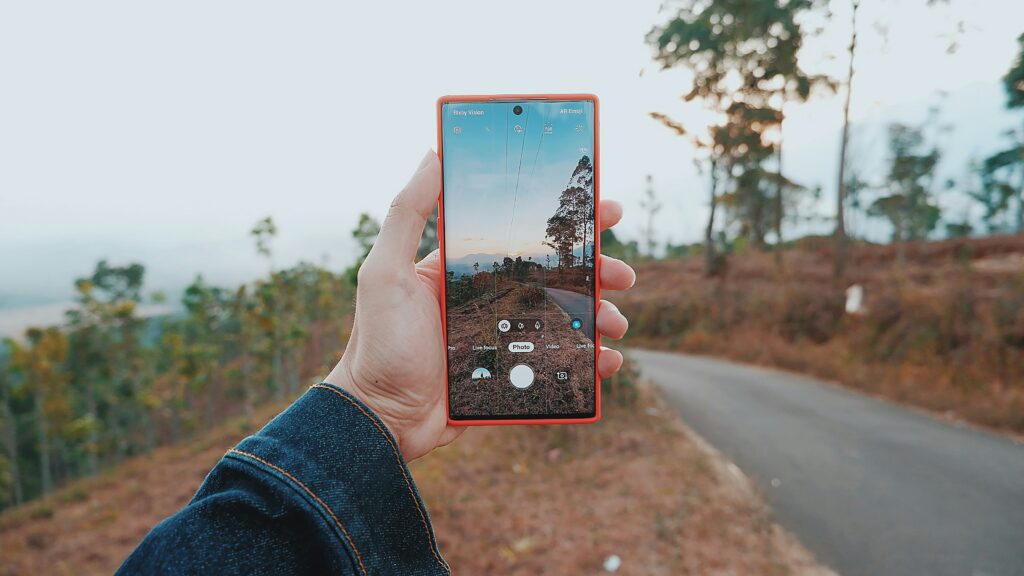
Don’t Worry About Being Perfectly Still
Taking pictures while you’re out having fun? Your camera helps reduce blur, so you can spend less time worrying about the photo and more time enjoying the moment.
Light is Your Best Friend
The easiest way to improve almost any photo is to find better light. Try standing near a window or heading outside where natural light can make colors brighter and details sharper.
Get a Little Closer
Instead of zooming in, take a few steps closer to your subject. You’ll usually get a better-looking photo with more detail.
Use Portrait Mode for People and Pets
Portrait Mode helps your subject stand out by softly blurring the background while keeping the focus on the person or pet you’re photographing.
Experiment With Different Camera Modes
Your kids phone camera can do more than take standard photos. Try panorama for wide landscapes, slow motion for action shots, or other camera features to add creativity and fun to your photos and videos.
Take a Few Extra Shots
The first photo isn’t always the best one. Take a few pictures and choose your favorite later!
Change Your Perspective
Try taking the same photo from different angles—high, low, and eye level. A new perspective can completely change the look and feel of your photo.
Challenge:
Head outside and photograph the same subject using three different tips from this list. Which version turns out best?
Family Activities With Your Kids Phone
Photography is a fun, creative activity that families can enjoy together. Consider asking your kids to take portraits of family members and pets that you can print out to put on the fridge, take beautiful photos of your home, or capture images that can go in a family seasonal scrapbook or photo album. We hope these tips and ideas will inspire connection, creativity, and ways for your kids to engage with the world around them!